Please go and check the official documentation by AWS for deep understanding. This is easy going or just a quick walk-through of what I learned and how to setup things quickly.

1. What is this ssm agent?
This agent is basically a gateway or a back door for you to access or run commands in a server without doing a RDP or SSH or through some bastion host. Its a next level thing which provides a additional layer of security by not giving somebody direct access to the underlying server.
You can system manger services in AWS console for further features it unveils.
2. How to install or configure it?
Here
Above is the URL where you can find all you needed for all type of servers. I tested it on ubuntu server 16.04.
** All Amazon Linux AMIs and the win 2016 server comes with pre installed SSM agent
3. After installing do create and attach a SSM role to your desired EC2.
4. Restart the server and you are good to go.
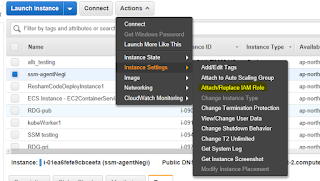 5. I tested by SSM agent by simply doing RUN command through console and tried passing mkdir bash script to confirm whether I am able to interact with server or not.
Thanks for reading and do write for more information.

1. What is this ssm agent?
This agent is basically a gateway or a back door for you to access or run commands in a server without doing a RDP or SSH or through some bastion host. Its a next level thing which provides a additional layer of security by not giving somebody direct access to the underlying server.
You can system manger services in AWS console for further features it unveils.
2. How to install or configure it?
Here
Above is the URL where you can find all you needed for all type of servers. I tested it on ubuntu server 16.04.
** All Amazon Linux AMIs and the win 2016 server comes with pre installed SSM agent
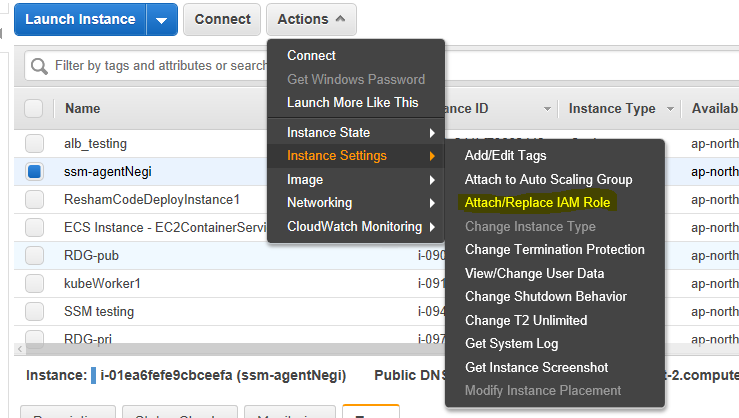
3. After installing do create and attach a SSM role to your desired EC2.
4. Restart the server and you are good to go.
Thanks for reading and do write for more information.
Ncomliigpo-Washington Curtis Bethea https://wakelet.com/wake/h88ONq4zC1o9dzCSGQeJY
ReplyDeletescisoggata